Customize Search Engine
Customize your Safari's Search Engine
iPhone, iPad
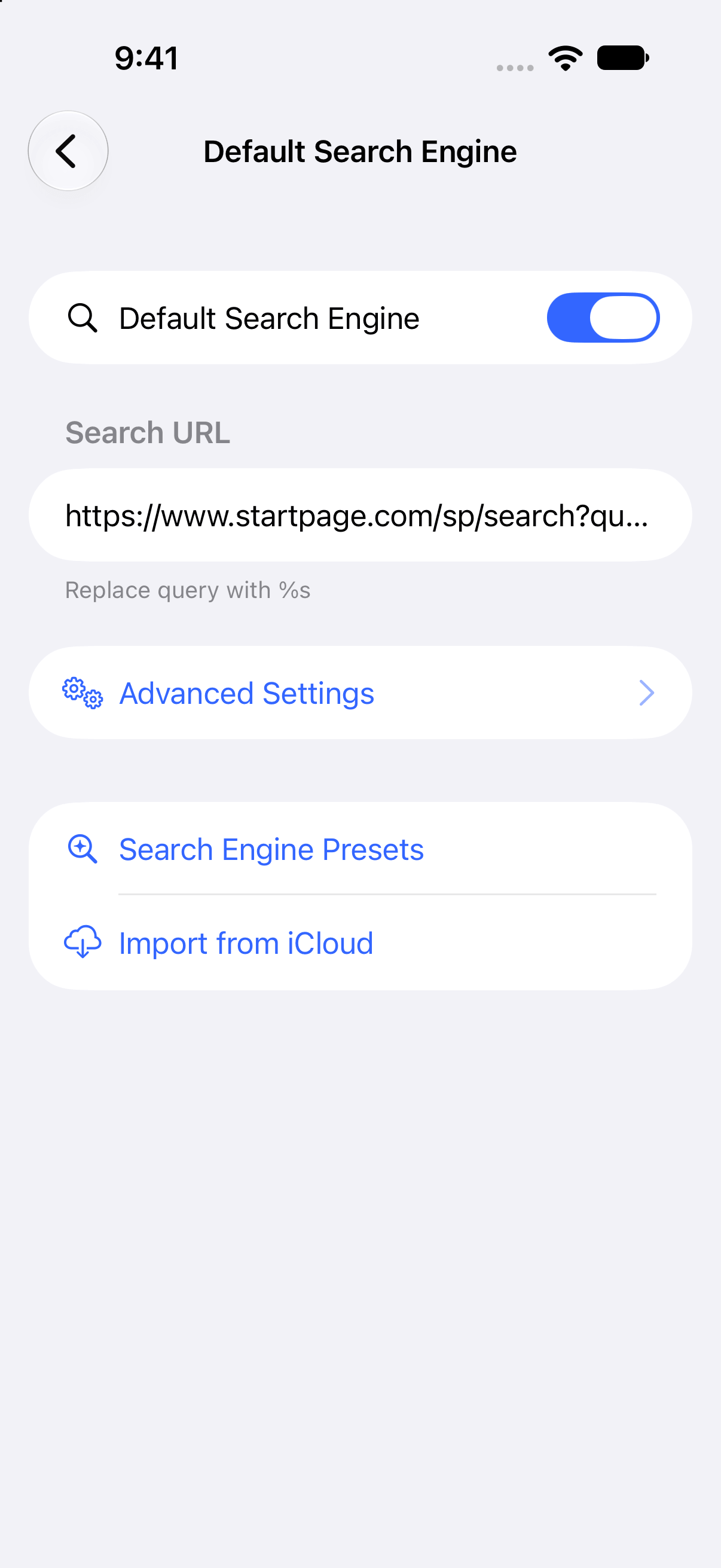
Safari Extension to customize your search engine. This extension allows you to use your preferred search engines, such as non-default search engines or AI assistants. You can also use it to change search engine settings, for example, by hiding AI Overviews or changing language settings. ### Features ### --- Customize your Search Engine Change Safari's default search engine. --- CSE for Private Browse Switch search engines in Private Browse. --- Quick Search Enter the keyword to switch search engines. Example: - Search "br something" to search in Brave Search - Search "wiki Safari" to find Safari on Wikipedia - Search "yt Me at the zoo" to find the oldest videos on YouTube - Search "wbm example.com" to see past versions of the website --- Emoji Search If you enter only one emoji, you can search it on Emojipedia.org. --- Switch Search Engines by Shortcuts and Focus You can use a different custom search engine or disable CSE while at work, school, etc.
- Added support for iPhone Duo - Updated the search URL for "Google &udm=14" - To apply the changes, you need to reselect it from "Search Engine Presets" - Made some other adjustments
Privacy and permissions
Entitlements
Extra permissions that grant access to system services, some of them sensitive.
Informationen
- Entwickler
- Cizzuk
- Größe
- 19 MB
- Kategorie
- Utilities
- Kompatibilität
- Requires iOS 16.0 or later.
- Version
- 5.1 · 7. Oktober 2026
- Verfügbar auf
- AltStore PAL